Getting Started With Odoo Social Marketing: From Streams to First Posts
Our Story
If you are new to the entire Odoo Social Marketing section, it can quickly become the main control center for your group or team in regard to handling your social media programs. Instead of jumping between apps, passwords, or multiple browser tabs, everything is handled in one simple, streamlined interface. The best part of it is that you remain connected to the Odoo system, and your social media efforts are not disconnected from your marketing and business goals.
Connect Your Social Accounts as Streams
In the case of Odoo, all the individual social media profiles connected will function as a stream. A stream is simply a live connection to a social media page/profile like Facebook, LinkedIn, X (Twitter), etc. You can collect data from these profiles and post to them using the Odoo system.
Adding streams is one of the first and most important actions you should take because it lays the foundation for all other tasks you might do in social marketing.
When your streams are set up:

Your brand’s social presence becomes centralized.
You can view timelines, past posts, and scheduled content in one dashboard.
Your team doesn’t need to log in to each platform separately.
This is helpful for the teams. Everyone with access to Odoo can collaborate more easily without sharing passwords or relying on one person to manage all social accounts. It also minimizes errors, such as posting from the incorrect account or overlooking previously shared content. Another advantage is visibility. When all streams are together, you can quickly see how active each channel is. And if your Facebook page is posting every day, yet your LinkedIn page has not posted in weeks, it is easy to balance your activities.
Compose Your First Social Post
Once you have your streams in place, you can begin composing your posts. The beauty of Odoo is that it has made this a simple and structured process. For those new to social media management, this can be daunting.
The posting flow usually goes like this:
This is a very user-friendly process. Even if you are not very good at social media marketing, the layout is very helpful and will take you through each step. It is not very complex and doesn’t feel like working with complex tools.
You are also given the option of posting immediately or scheduling the post for a later time. I think that scheduling is probably the most helpful tool for those who are new to social media. Instead of posting randomly whenever the thought strikes them, a person could take an afternoon to come up with a week’s worth of posts and have Odoo post them for them. This is important for a social media following because it keeps things consistent.
Choose your streams
Select where you want your message to appear. It can be just one platform or several at once.
Write your content
You create the main message in one place. This saves time since you don’t have to rewrite everything from scratch for each site.
Preview per platform
Odoo shows how the post will look on Facebook, LinkedIn, or X. You can then adjust wording, hashtags, or formatting if needed.
Add media
You can add images, links, or videos to your post to make it more engaging and professional.
See Your Activity in One Unified View
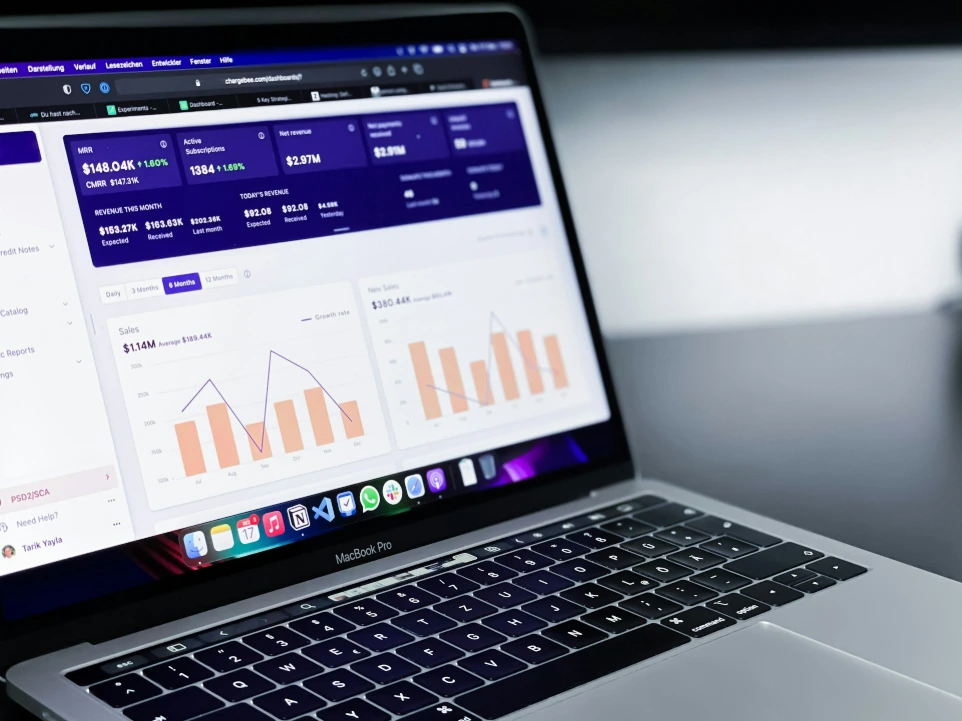
After your posts go live, Odoo doesn’t just leave you guessing what happened. It tracks activity connected to your streams and presents it in a unified dashboard.
From this view, you can see the following:
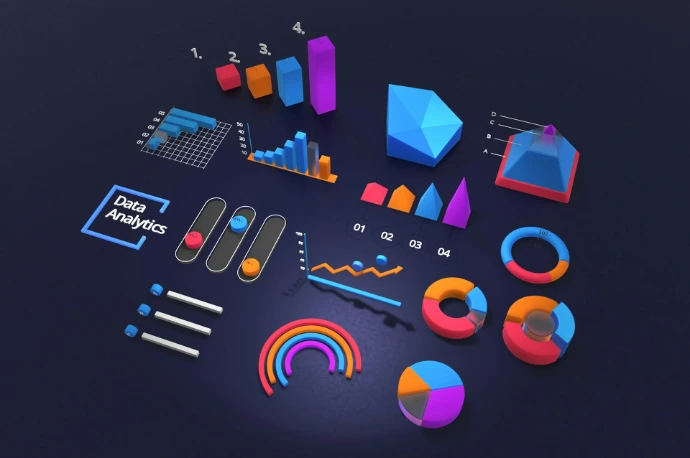
Instead of checking Facebook insights, LinkedIn analytics, and other tools separately, everything is visible inside Odoo. This saves time and makes it easier to compare results. You might notice, for example, that a post with an image does better than a text-only post, or that a post on LinkedIn generates more professional interactions than a post on Facebook generates in terms of reactions.
The best part, though, is that social media data isn’t an island. This is because, since we have an integrated system with Odoo, you can also look at how social media campaigns correlate to email marketing campaigns, SMS campaigns, or website traffic. This provides a more holistic understanding of how your marketing works.
- Which posts were published and when
- Basic performance details like reach and engagement
- How each social channel contributes to your overall marketing



Why This Matters for New Users
For newcomers, social media management can feel scattered and confusing. There are many platforms, different logins, and various performance tools. Odoo Social Marketing simplifies all of that by turning social media into a structured workflow.
First, you connect streams. Then you create and schedule posts. Thereafter, you monitor results — all in one system. This step-by-step approach helps beginners stay organized and avoid feeling overwhelmed.
It also promotes experimentation. After you have set up your streams and first posts, you can begin to experiment with different posting times, styles, or types of media. This is because, with Odoo, you can track everything and see what works.
Lastly, the Odoo Social Marketing tool enables a newcomer to transition from being a random social media poster to being a more planned and trackable social media poster. This tool is not just about making things more convenient; it is also about making things better. This holds especially for a student, a small business, or a newcomer who wants to get started.